
How it works
From your pocket in India to their account in Nepal.
Five simple steps the first time. After that, sending home is two taps and around 30 minutes — any hour, any day.
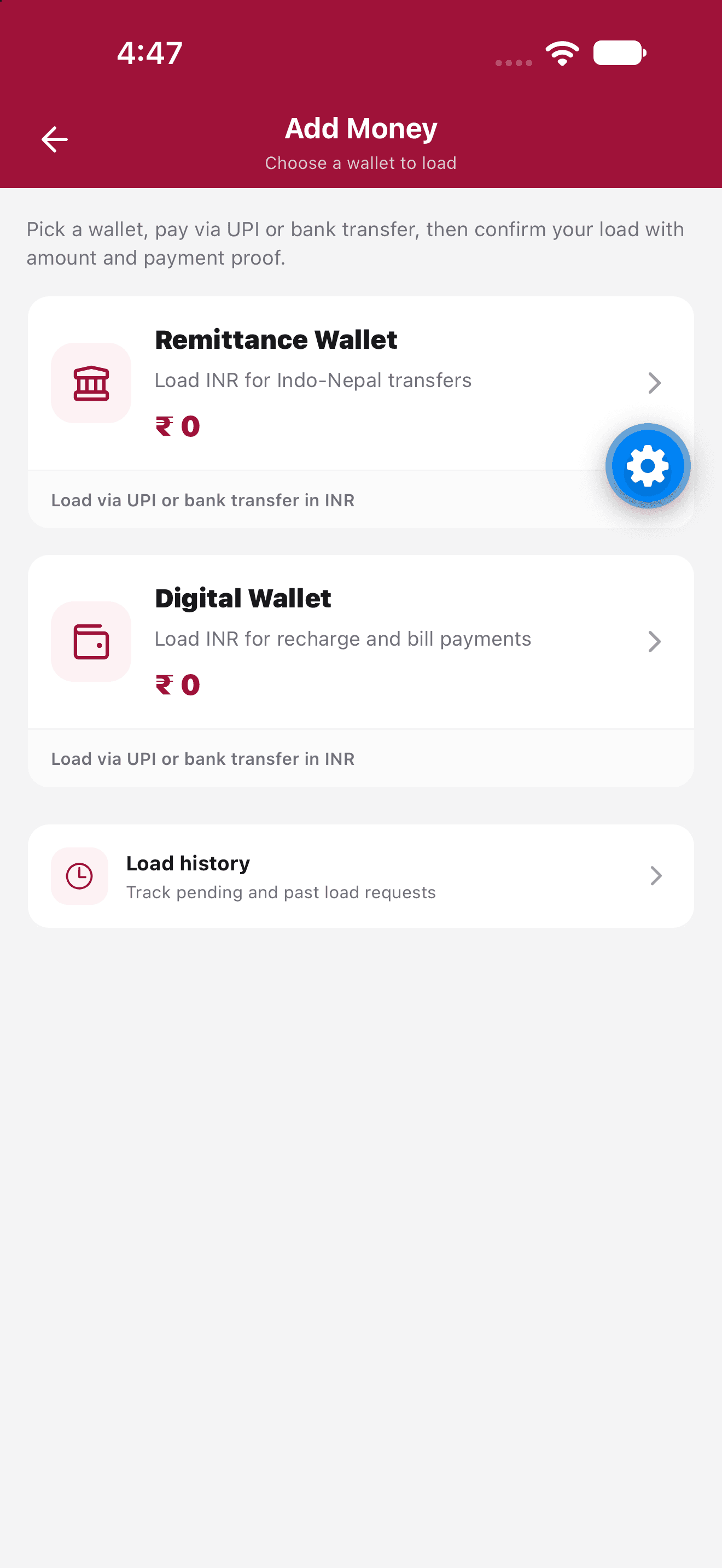
Step by step
Your first transfer, start to finish.
No branch visits, no agents in between.
Step 01
~1 minuteDownload Munal and sign up
Install the app from Google Play and register with your Indian mobile number. An OTP confirms it's you — the whole thing takes under a minute.
Step 02
In-appCreate your account and submit KYC
Enter your personal details and residential address in India, then upload Aadhaar (front and back). Everything stays in the app — no video call. You only verify once.
Step 03
InstantLoad your wallet with IMPS or bank
Top up your Remittance wallet via IMPS or bank transfer. Loading is always free, and your balance is held with an RBI-regulated partner bank.
Step 04
Once per personSave your recipient
Add your family's Nepali bank account or their Khalti wallet. We verify the account name before the first transfer so money never goes astray.
Step 05
~30 minutesSend and track to delivery
Enter the amount, see exactly how many rupees they receive, and confirm with your MPIN. Follow the transfer live until it lands.
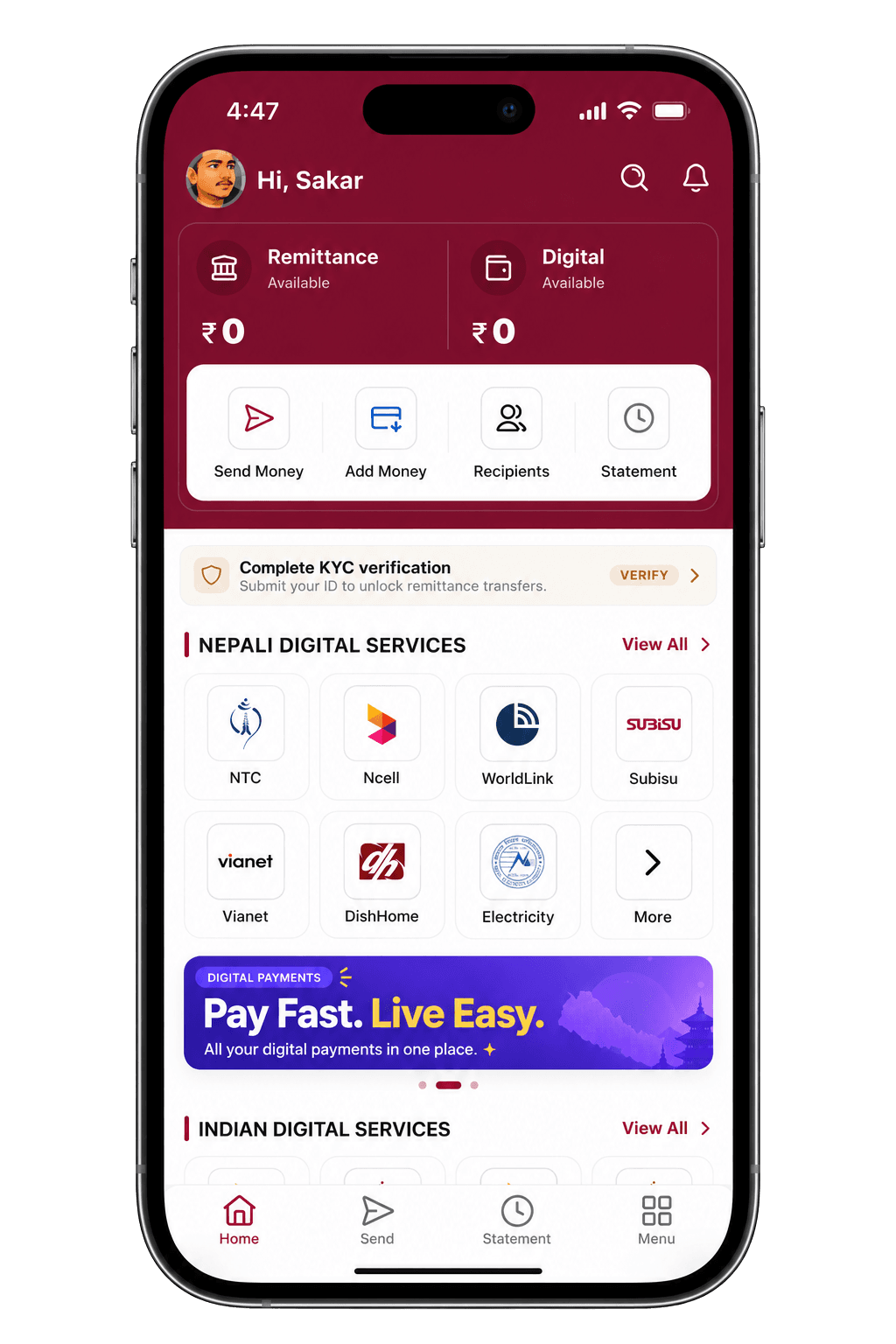
The Munal home screen after KYC.
After the first send
The second time is two taps.
Recipients, amounts and payout methods are saved. Open the app, tap Send, confirm with your MPIN. Most people finish before the kettle boils.
01
Open Send
Last recipient is already selected.
02
Confirm MPIN
Rate locks. Delivery starts.
KYC checklist
What you'll submit in the app.
Create your account first, then upload the following in one session. You'll also need your Indian mobile number for OTPs.
Personal information
Full name, mobile number and email address.
Residential address
Your complete address and location in India.
Aadhaar
Photos of the front and back of your Aadhaar card.
Use well-lit photos so your Aadhaar details are easy to read.
After you tap send
Around 30 minutes, accounted for.
A real transfer of ₹15,000 from Bengaluru to Global IME Bank, Pokhara.
0:00
Rate locked
₹1 = रू 1.60, fee shown
0:04
Wallet debited
Receipt in your statement
8:00
Handover to remittance provider
Munal passes your transfer to our licensed remittance partner.
28:00
Credited
Recipient gets an SMS
Free on Android ~ Apple Coming Soon
घरपरिवारसँग सधैं नजिक। Closer to home, with every transfer.
Free to download. Verify in the app and send when you're ready.
- No load fee
- Pegged rate, no spread
- 24×7 नेपाली support